The Master Guide to Image Compression for SEO: Boost Rankings & Speed (2026)
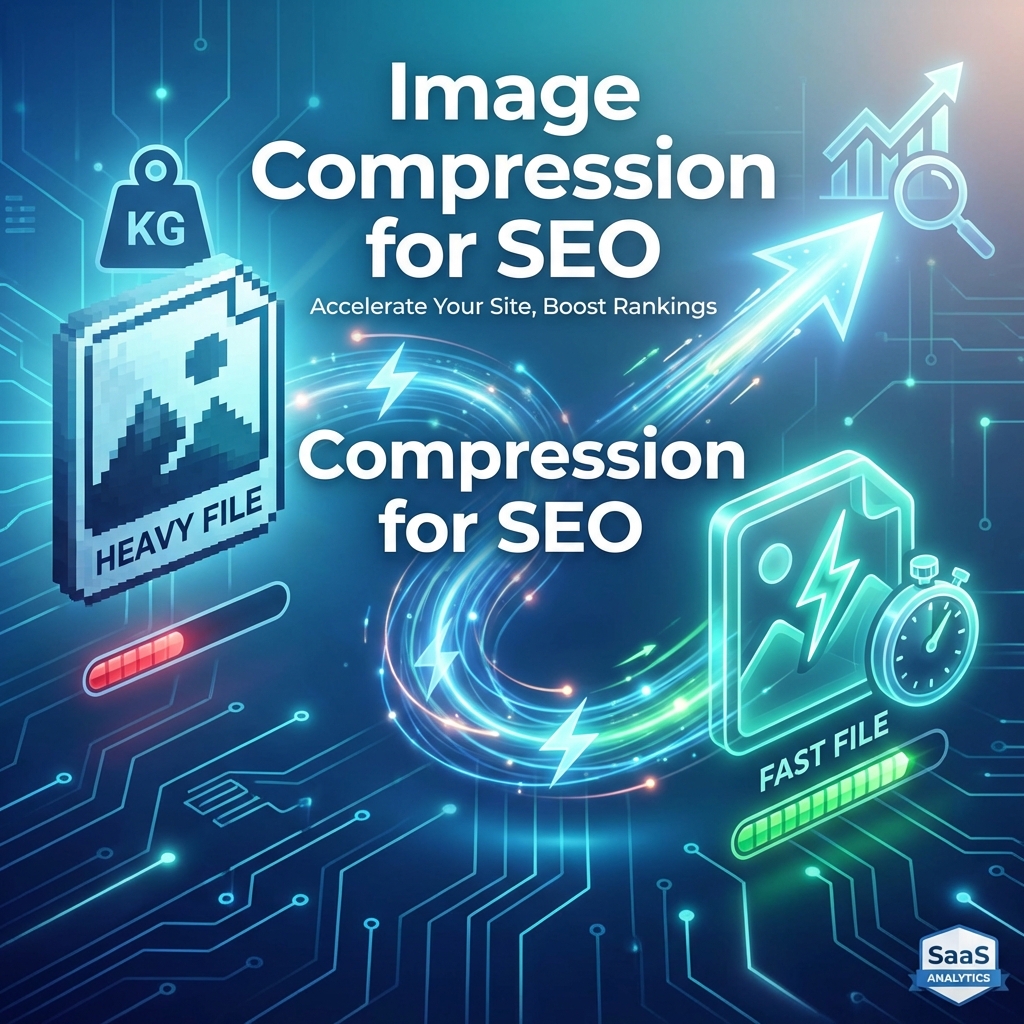
In the fast-paced world of digital marketing, speed is the ultimate currency.
Google has explicitly stated that page speed and user experience metrics, grouped under Core Web Vitals, are critical ranking factors. Yet, when we audit websites today, we see the same mistake over and over again: Massive, unoptimized images dragging down performance.
A single uncompressed 2MB header image can add seconds to your page load time, causing frustrated users to bounce and search engines to penalize your rankings. Statistics show that 53% of mobile users abandon sites that take longer than 3 seconds to load.
In this master guide, we’ll dive deep into the science of image compression for SEO, explore next-gen formats like WebP, AVIF, and the newly supported JPEG-XL, and show you how to optimize your assets without sacrificing a single pixel of privacy.
Why Image Optimization is Your #1 SEO Growth Lever in 2026
Images usually account for more than 60% of a page's total weight. If they aren't optimized, they directly impact three main areas:
1. Largest Contentful Paint (LCP)
LCP measures how long it takes for the largest piece of content (usually a hero image or video) to become visible. If your hero image is 1.5MB, your LCP will be poor. Google wants this under 2.5 seconds.
2. Cumulative Layout Shift (CLS)
While compression doesn't fix CLS, "optimizer" tools often strip the dimensions from images, causing the page to "jump" as they load. A good optimization strategy includes preserving aspect ratios using width and height attributes.
3. Crawl Budget & Indexing Efficiency
Search engine bots have a "crawl budget"—the amount of time they spend on your site. If your site is heavy and slow, the bot might stop crawling before it reaches your most important content. Furthermore, modern multimodal AI crawlers assess "visual quality" and performance as a proxy for brand authority.
Next-Gen Formats: WebP, AVIF, and the Rise of JPEG-XL
Gone are the days when JPEG and PNG were the only options. In 2026, SEO professionals must adopt modern formats:
WebP: The Current Standard
WebP provides superior lossless and lossy compression for images on the web. WebP lossless images are 26% smaller in size compared to PNGs and provide 25-34% better lossy compression than JPEGs.
AVIF: The Advanced Contender
AVIF is generally 20-30% more efficient than WebP. It excels at maintaining detail in shadowed areas and is excellent for high-resolution photography where quality cannot be compromised.
JPEG-XL: The 2026 Revolution (New)
With the release of Chrome 145 in February 2026, JPEG-XL has officially entered the mainstream. It offers:
- Superior Compression: Often beating AVIF in both speed and size.
- Progressive Loading: Images "fade in" as they load, improving perceived speed.
- Lossless Transcoding: You can convert old JPEGs to JPEG-XL and back without losing a single bit of data.
Lossy vs. Lossless: The Balancing Act
Understanding the difference is crucial for your SEO workflow:
- Lossy Compression: Removes some data to achieve massive size reductions (up to 90%). At 80% quality, the human eye can't tell the difference. Use this for 99% of web images.
- Lossless Compression: Reduces file size without losing any data. Use this only when you need pixel-perfect precision (like technical blueprints or medical scans), as the files remain significantly larger.
Industry-Specific Image SEO Strategies
🛍️ E-commerce: Scaling Optimization
E-commerce sites often house thousands of product photos.
- Strategy: Use bulk compression to target a specific 'byte-budget' (e.g., no product thumbnail over 20KB).
- Tech: Implement Client Hints to serve the exact resolution needed for the user's screen.
📸 Photography & Creative Portfolios
Photographers fear "pixelation" and "blocking artifacts."
- Strategy: Utilize AVIF at 90% quality. This preserves the professional aesthetic while still reducing the 5MB RAW export to a manageable 400KB web asset.
📰 News & Media
Speed is critical for "Top Stories" ranking.
- Strategy: Prioritize WebP for maximum browser compatibility and ensure the LCP image is always pre-loaded in the HTML head.
The Privacy Revolution: Client-Side Compression
Most image compressors follow a dangerous model: you upload your photo to their server, they compress it, and you download it. This is a nightmare for privacy-conscious businesses and organizations handling sensitive visual data or internal screenshots.
ToolMint's Image Compressor solves this using Client-Side Processing via WebAssembly (Wasm).
Instead of sending your data to the cloud, our tool downloads the compression engine into your browser. Your images are processed right there, utilizing your device's RAM.
The result?
- Extreme Privacy: Your files never leave your device.
- Instant Speed: No upload wait times or server queues.
- Enterprise Security: Perfect for internal documents or HIPAA-sensitive data.
The Ultimate PageSpeed 100/100 Workflow
Follow this 5-step workflow used by top SEO agencies.
Step 1: Audit with Lighthouse
Use Google PageSpeed Insights. Look for the message "Efficiently encode images." This provides a prioritized list of the images that will give you the most "ranking lift" if optimized.
Step 2: Bulk Compress & Convert
Open our Secure Image Compressor.
- Drag and drop up to 50 images at once.
- Target: Select "WebP" or "AVIF" as the output.
- Quality: Set to 80% for most web content.
Step 3: Precise Resizing
Don't serve a 4000px image in a 400px box. Resize the image to its maximum display size before compression.
Step 4: Implement Responsive Syntax
Use the <picture> element to serve the best possible format each browser supports.
<picture>
  <source srcset="hero.jxl" type="image/jxl"> <!-- For 2026 modern browsers -->
  <source srcset="hero.avif" type="image/avif">
  <source srcset="hero.webp" type="image/webp">
  <img src="hero.jpg" alt="SEO Optimized Hero" loading="lazy" width="1200" height="630">
</picture>
Step 5: Native Lazy Loading
Always add loading="lazy" to images below the fold. This ensures they don't block the initial page load, skyrocketing your Interaction to Next Paint (INP) scores.
Common Mistakes That Kill Your SEO
- Ignoring SVG for Graphics: For logos and icons, PNG is a crime. Use SVG—it's code, it scales infinitely, and it's practically weightless.
- Relying on "Old" Plugins: Many CMS plugins use heavy server resources. Switch to client-side or CDN-based optimization.
- Forgetting Aspect Ratios: Always define
widthandheight. Without them, the browser can't "reserve" space, leading to CLS (Layout Shift) which Google penalizes.
Advanced Tips: ROI and ROI
- Conversion Analytics: In A/B tests, reducing image size by 50% often correlates with a 3-5% increase in conversion rate on landing pages.
- Client Hints: Modern browsers can send headers telling your server the user's screen width (
Sec-CH-Viewport-Width). Use this for dynamic, ultra-light surgical delivery. - Service Workers: Use a Service Worker to intercept image requests and serve cached, compressed versions locally.
Frequently Asked Questions
Does compressing an image lose its SEO value?
Absolutely not. It increases SEO value. Search engines prioritize user experience (speed) over raw image bit-depth. As long as the image is visually clear, the performance gain is a massive ranking win.
Which browser supports JPEG-XL?
As of February 2026, Chrome (v145+), Edge, and Firefox have enabled support. Safari is catching up, but always use the <picture> tag to provide a WebP fallback for full coverage.
Does alt-text still matter for SEO?
Yes. While compression fixes the "speed" half of SEO, Alt Text fixes the "context" half. Modern AI crawlers correlate the Alt Text with the image content to determine query relevance.
Conclusion
Image compression is no longer just a "nice-to-have" technical chore. In 2026, it is a foundational pillar of technical SEO and user trust. By adopting next-gen formats like JPEG-XL, utilizing client-side privacy tools, and following a disciplined 100/100 workflow, you can dominate your competitors in both speed and search rankings.
Ready to skyrocket your site speed? Try our 100% Private Image Compressor today.
Expert Review: This guide was developed by the ToolMint Performance & SEO team. For technical documentation on JPEG-XL standards, visit the Official JPEG Website.
Affiliate Disclosure: ToolMint remains free and independent thanks to non-intrusive ads and user support. We prioritize your data privacy above all else.